View DXF File Online
A free, fast, no-download web-based viewer for CAD drawing DXF format. Supports high-performance WebGL rendering and layer control.
Specifically designed for engineers, drafters, and CAD enthusiasts, this tool offers a premier CAD viewing experience, allowing you to view DXF files online free and quickly preview CAD DXF files without software downloads or installation.
How to Open DXF Files Online Free? View Autodesk CAD .dxf Files Online
Upload File
Click the "Select File" area at the top, or directly drag and drop your .dxf drawing file into the card in the center.
View and Zoom
After rendering, zoom using your mouse scroll wheel (or double finger pinch on mobile) and drag with the left mouse button to pan.
CAD Layer Control
Click the "Layers" button in the top right to toggle layer visibility in the sidebar, making it easy to inspect complex lines or details.
Don't have a .dxf file? Click below to download a standard AutoCAD sample drawing, or load it with one click to test the viewer.
Online Rendering / Viewing Examples of CAD DXF Files
Supports high-performance rendering of various complex 2D CAD drawings (e.g., architectural floor plans, mechanical part diagrams, basic geometric entities).
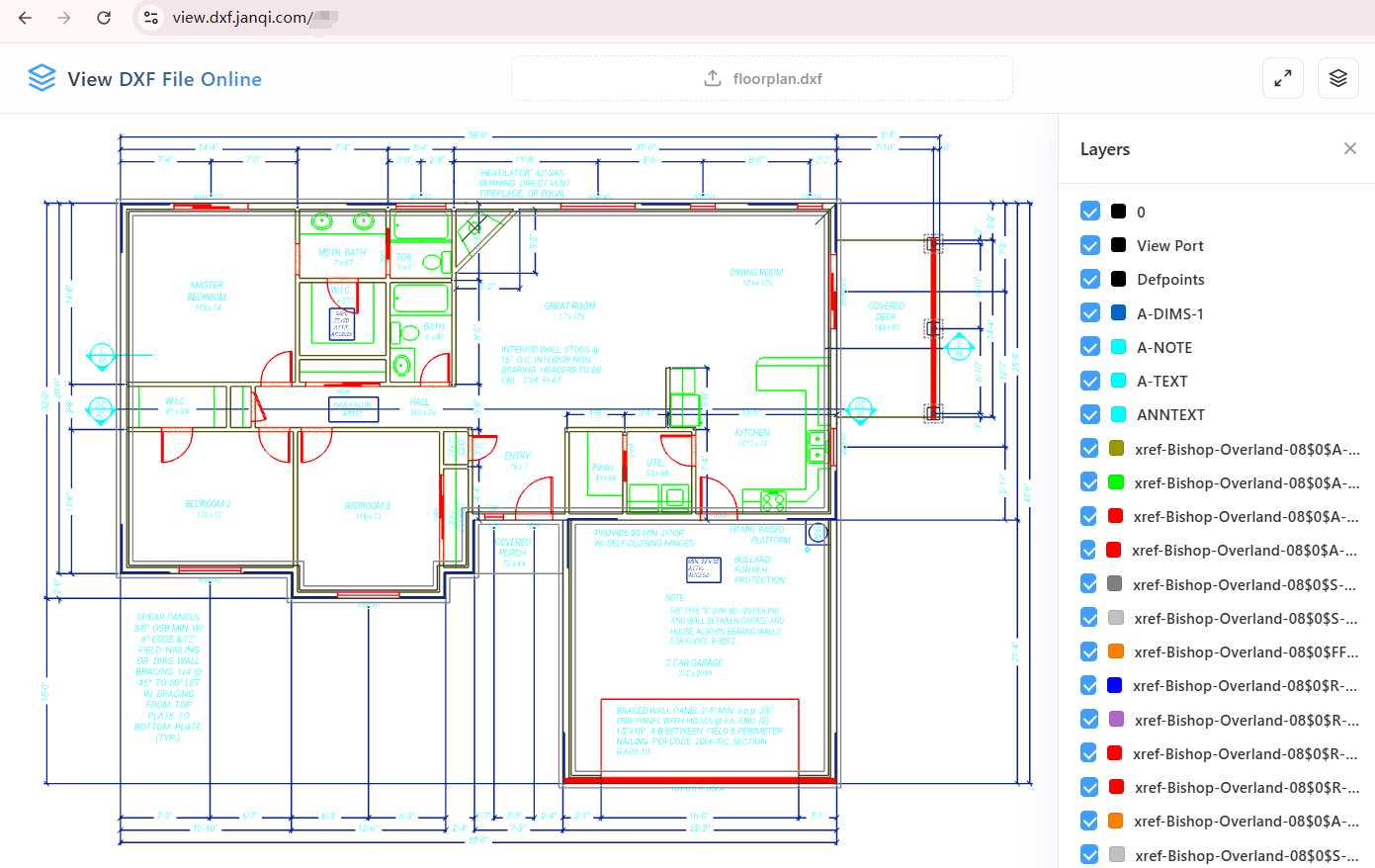
Architectural Floor Plan
High-precision rendering of walls, doors, windows, and furniture blocks with clear layers and smooth zoom
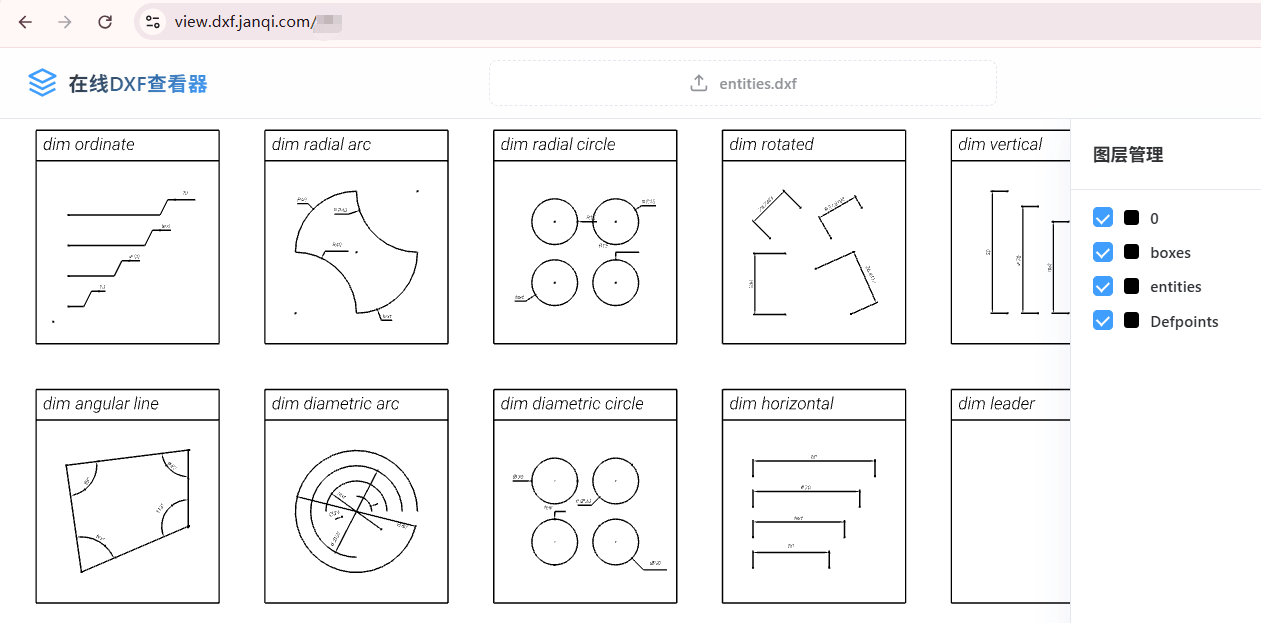
Complex Geometries
Accurately renders intricate CAD geometry objects like fine lines, arcs, circles, and polylines
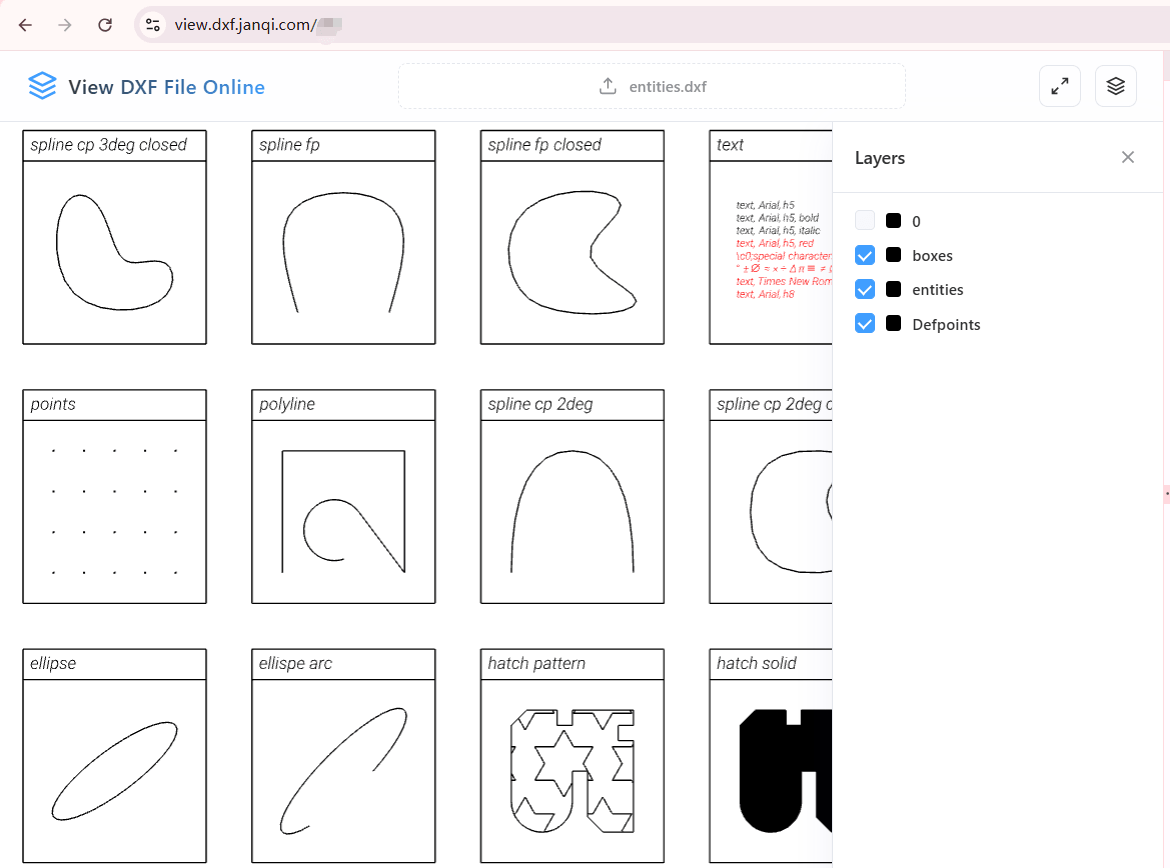
Basic Entities & Dimensions
Quickly renders points, lines, polygons, and various standard CAD basic shapes and dimensions
Online DXF Viewer - Features
100% Free & No Installation
No need to download bulky AutoCAD software or extra browser plugins. Open it in your web browser and view DXF files instantly. There are no restrictions on file size.
WebGL Hardware Acceleration
Powered by Three.js graphic engine, easily handles high-precision, large, and complex 2D CAD files up to dozens of megabytes.
Multi-language Font Support
Embedded commercial-grade fonts, seamlessly supports Chinese (Simplified & Traditional), English, French, German, Italian, and Russian text.
Smart Layer Control
Automatically parses DXF layer structures, allowing you to toggle layers individually for quick details inspection.
Local Rendering, Private & Secure
All file parsing and rendering are performed entirely in your local browser. No drawing data is uploaded to any server, protecting your business privacy.
Mobile & Desktop Responsive
Optimized for Windows, Mac, iOS, and Linux. Offers responsive touch gestures (zoom, pan) on iPad, iPhone, and Android devices.
Millisecond Parsing Speed
Optimized parsing pipeline quickly extracts core entity data from DXF files within milliseconds, eliminating wait times.
One-Click Auto-Fit
Provides camera resetting and auto-fitting (Fit View) capabilities to center and align the drawing with one click if it goes out of view.
Broad 2D Compatibility
Supports various standard ASCII and binary 2D DXF file formats, ensuring high-fidelity rendering of lines and entities.